

TeamBuildr Strength, page 8
Page 8 of 18.
Walkthrough
FreeHow to Filter Lifts When Programming With Tags (New Build)
A short video walkthrough of how to Filter Lifts When Programming With Tags (New Build) from the TeamBuildr knowledge base.

Walkthrough
FreeHow to Fit More Athletes on One Screen
A short video walkthrough of how to Fit More Athletes on One Screen from the TeamBuildr knowledge base.

Walkthrough
FreeHow to Import Workout Templates Into Your Account
Video on Master vs. Imported Database: http://support.teambuildr.com/article/IVlWzYnZKO-imported-vs-master-database-merging-duplicate-exercises
Walkthrough
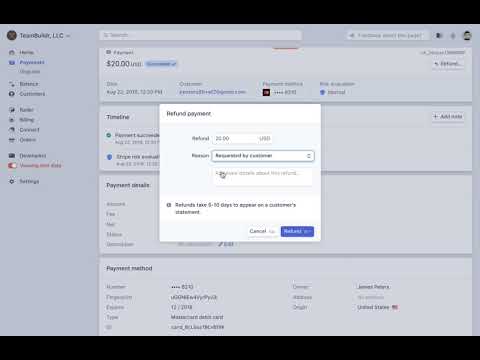
FreeHow to Issue Refund in Payments Portal
A short video walkthrough of how to Issue Refund in Payments Portal from the TeamBuildr knowledge base.
Walkthrough
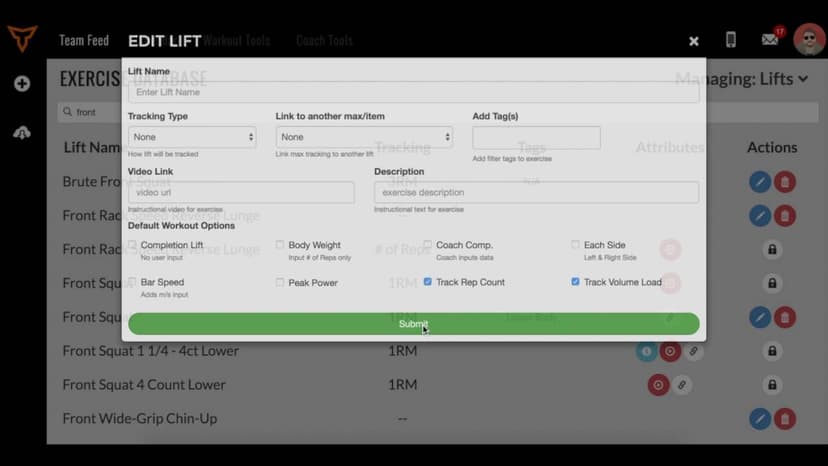
FreeHow to Link Lift Maxes
A short video walkthrough of how to Link Lift Maxes from the TeamBuildr knowledge base.

Video · 2 min
FreeHow to Manage a Client in Online Payments Portal
This is includes how to change a client's program, assign a new group, change credit card information and cancel a customer's subscription.
Walkthrough
FreeHow to Manage Multi-Sport Athletes
A short video walkthrough of how to Manage Multi-Sport Athletes from the TeamBuildr knowledge base.

Walkthrough
FreeHow to Manage Tags
A "tag" allows you to label a group of lifts together - for many applications. For example, you can group Power Clean and Hang Clean under the "Cleans" tag. Here is our video on how to use Tags in your TeamBuildr acco…
Walkthrough
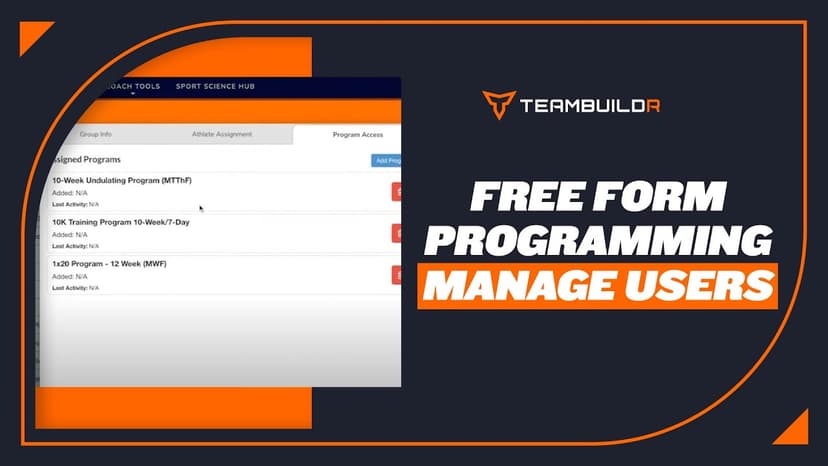
FreeHow to Manage Users with Free Form Programming
A short video walkthrough of how to Manage Users with Free Form Programming from the TeamBuildr knowledge base.
Walkthrough
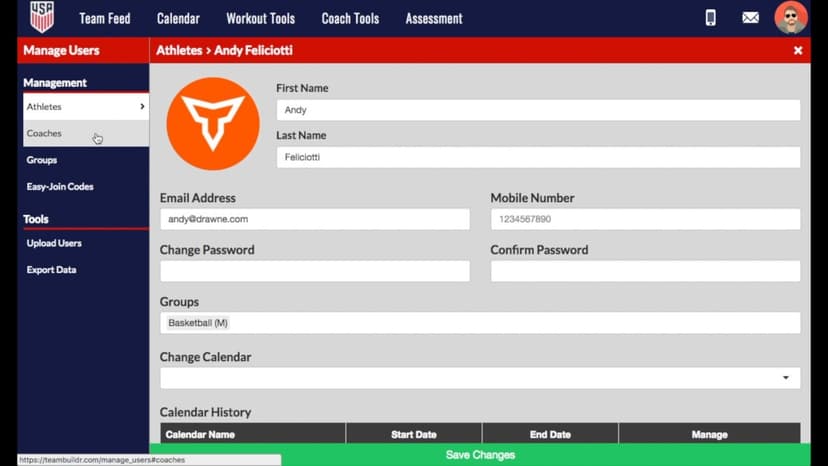
FreeHow to Manually Create a Password
A short video walkthrough of how to Manually Create a Password from the TeamBuildr knowledge base.
Walkthrough
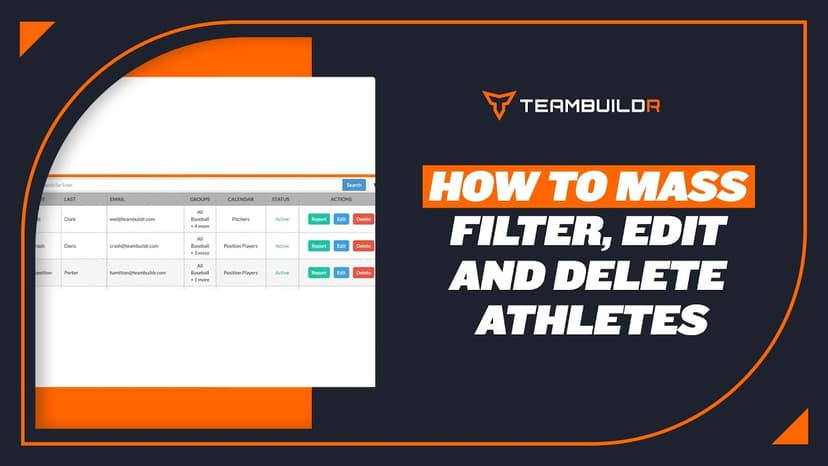
FreeHow to Mass Edit, Filter and Delete Athletes
A short video walkthrough of how to Mass Edit, Filter and Delete Athletes from the TeamBuildr knowledge base.

Walkthrough
FreeHow to Merge Duplicate Exercises
A short video walkthrough of how to Merge Duplicate Exercises from the TeamBuildr knowledge base.
Walkthrough
FreeHow to Prevent Workout Scrambling
There are two main reasons workouts can become scrambled/jumbled - where exercises appear out of order. The first reason is explained and solved in the first video. It results when workouts are loaded on top of one an…
Walkthrough
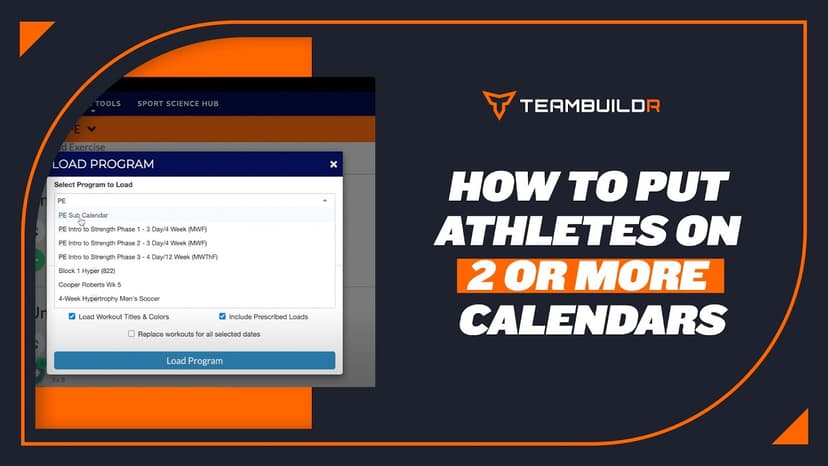
FreeHow to Put Athletes on 2 or More Calendars
A short video walkthrough of how to Put Athletes on 2 or More Calendars from the TeamBuildr knowledge base.
Walkthrough
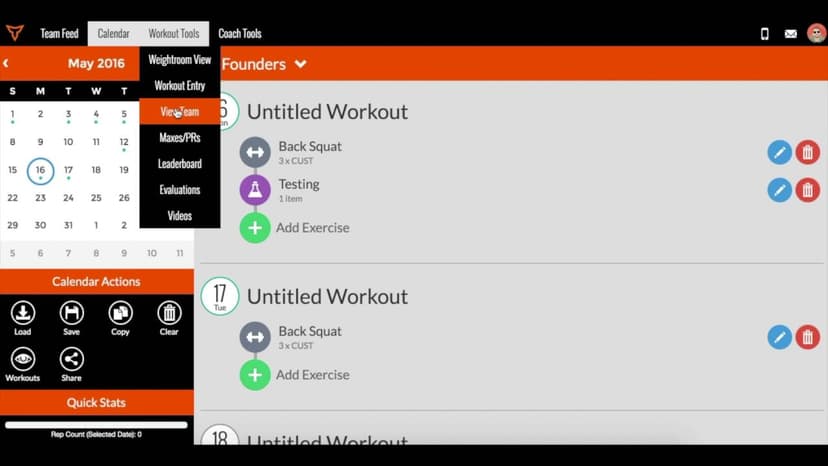
FreeHow to Record Body Weight and Other Body Metrics
A short video walkthrough of how to Record Body Weight and Other Body Metrics from the TeamBuildr knowledge base.
Walkthrough
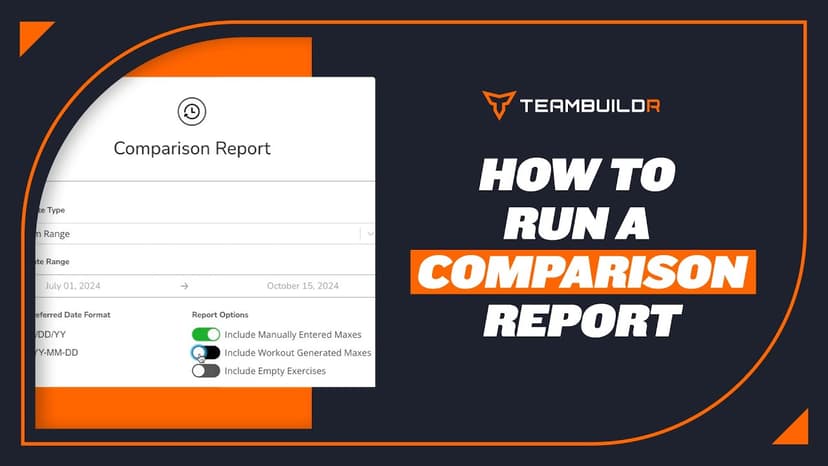
FreeHow to Run a Comparison Report
A short video walkthrough of how to Run a Comparison Report from the TeamBuildr knowledge base.
Walkthrough
FreeHow to Run a Completion Report
A short video walkthrough of how to Run a Completion Report from the TeamBuildr knowledge base.