Annual Planner: Notes
A short video walkthrough of annual Planner: Notes from the TeamBuildr knowledge base.
Watch or read
2 minutes across 3 chapters. Click any chapter or timestamp to jump straight there.
3 chapters
In this video, I will go over the record notes section of the planner in team builder. Entering the record notes section will default you to the most current week in time and that's denoted by this red line here. In this section, you cannot interact or click on any of the plan any of the plan that you have previously made. You cannot switch blocks from here. But what you can do is record notes to the right by clicking the blue shaded area. This will prompt you to add a note. You have unlimited character count here. You can expand the view by clicking the bottom right, holding, and dragging vertically. You
can type anything you'd like in here. Hitting save will do just that. To edit that note, just hover over that area again. One single click will bring you back into this area. Hitting enter will create a new paragraph. You can again add as much as you'd like here. You can always come back to this in time and make edits to this note. You can add markers for things to refer to in the future or in post in review of everything. You can come back to your notes and see what you left yourself in the from the past.
Still stuck? Contact support →
Read next
More in Reporting
Walkthrough
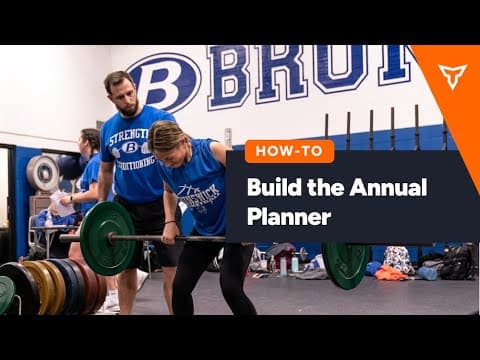
FreeHow to Build the Annual Planner
A short video walkthrough of how to Build the Annual Planner from the TeamBuildr knowledge base.
Also in Platform & Admin
Walkthrough
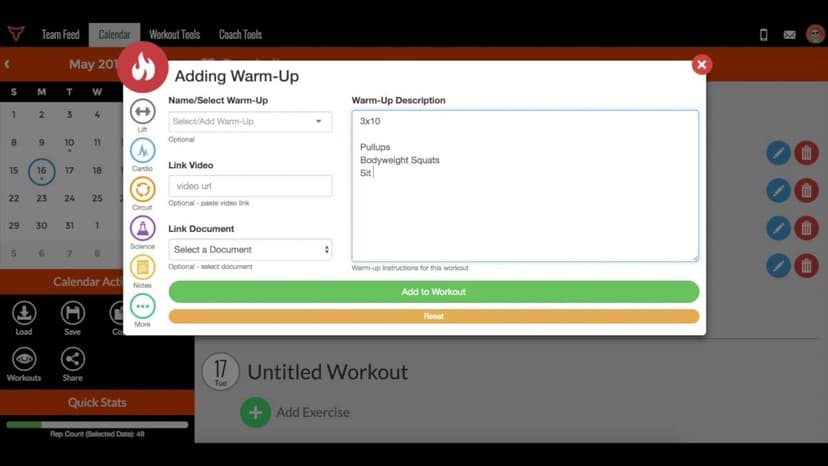
FreeHow to Add Notes and Warm Ups in the Calendar
A short video walkthrough of how to Add Notes and Warm Ups in the Calendar from the TeamBuildr knowledge base.

Walkthrough
FreeHow To Add Notes and Warm Ups (New Build)
A short video walkthrough of how To Add Notes and Warm Ups (New Build) from the TeamBuildr knowledge base.
4 chapters · 10 lessons
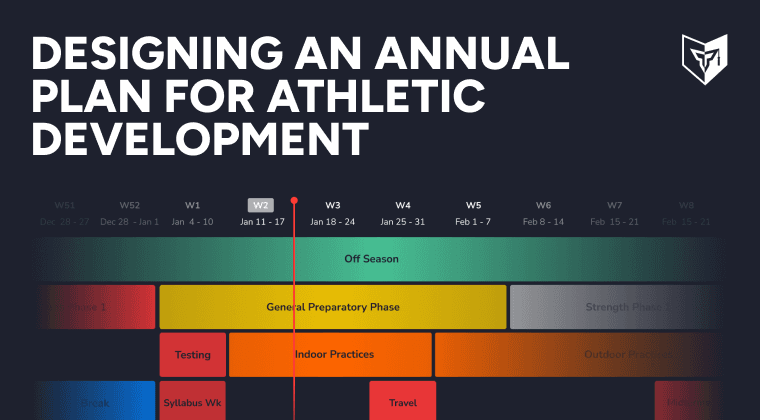
Free · sign upDesigning an Annual Plan for Athletic Development
Discover the power of creating a strength and conditioning annual plan for your athletes. Master Teambuildr's annual plan feature to achieve your goals efficiently.

Spreadsheet · 2 walkthroughs
Free · sign upAdvanced Attendance Report
Attendance tracking for PE and weights classes that goes past a headcount. Copy the template and it totals participation per student over any window, ready to drop into a grade or a report to an administrator.

Spreadsheet · 2 walkthroughs
Free · sign upAthlete Wellness & Body Report
Track daily wellness check-ins and body composition in one sheet. Copy the template and follow the walkthrough to connect your athlete responses, then use the report to spot who is trending the wrong way before it costs you a session.
- Format
- Walkthrough
- Brand

- Category
- Reporting
- Topics
- Platform & Admin