Using Color-Coded Thresholds with Questionnaires
A short video walkthrough of using Color-Coded Thresholds with Questionnaires from the TeamBuildr knowledge base.
Watch or read
4 minutes across 4 chapters. Click any chapter or timestamp to jump straight there.
4 chapters
Hey guys, today we're going to take a look at using the color-coded threshold in our multiple choice question as well as our questionnaires as a whole. So the first thing we're going to do is head over to our exercise database and we're going to pull up our questions. I'm going to select from our multiple choice question. Now this is a new input style option. We also have a new yes and no question feature as well. So I'm going to hit this edit button so you can see how this question was formatted.
So the question is how many ounces of water did you drink? We have our abbreviation for our reporting purposes and we have our multiple choice input type selected. We've left this box here blank because this question is pretty self-explanatory. However, if you wanted to include more detail to help your athletes better understand how to answer that question, you can do so right here. Below you'll see we have our three response labels. If I wanted to add another response label to this question, I would simply hit this plus sign button right here and that would allow me to add a fourth option. For this question, we have our three answers and then we have a numerical weight that we have assigned to each answer. This numerical weight is.
Still stuck? Contact support →
Read next
Also in Platform & Admin
Walkthrough
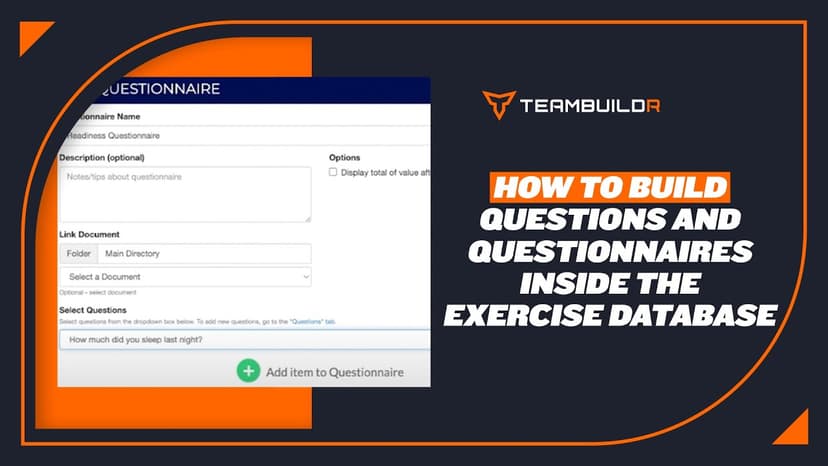
FreeHow to Add Questions and Questionnaires in the Exercise Database
A short video walkthrough of how to Add Questions and Questionnaires in the Exercise Database from the TeamBuildr knowledge base.
Walkthrough
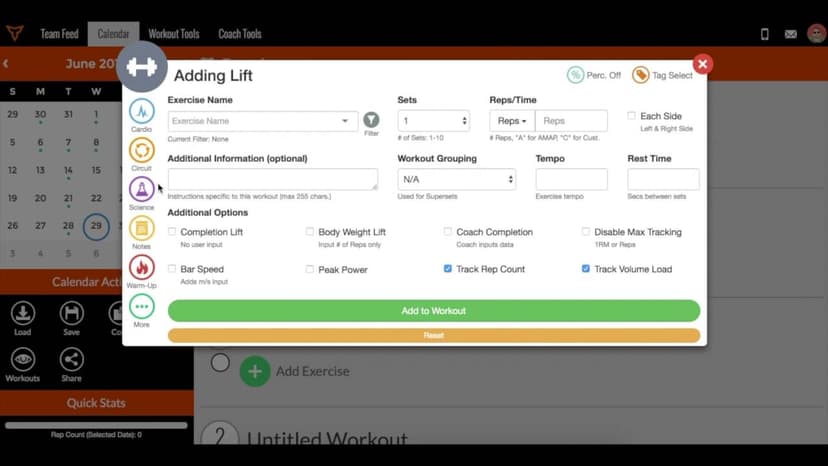
FreeHow to Edit and/or Delete Saved Components (Workouts, Exercises, Notes, Questionnaires, etc.)
A short video walkthrough of how to Edit and/or Delete Saved Components (Workouts, Exercises, Notes, Questionnaires, etc.) from the TeamBuildr knowledge base.

Walkthrough
FreeUnlocking Workouts via Questionnaires
A short video walkthrough of unlocking Workouts via Questionnaires from the TeamBuildr knowledge base.

Spreadsheet · 2 walkthroughs
Free · sign upAdvanced Attendance Report
Attendance tracking for PE and weights classes that goes past a headcount. Copy the template and it totals participation per student over any window, ready to drop into a grade or a report to an administrator.

Spreadsheet · 2 walkthroughs
Free · sign upAthlete Wellness & Body Report
Track daily wellness check-ins and body composition in one sheet. Copy the template and follow the walkthrough to connect your athlete responses, then use the report to spot who is trending the wrong way before it costs you a session.

Spreadsheet · 7 walkthroughs
Free · sign upCustom Grading System
A ready-made grading spreadsheet for PE and weights classes. Copy the template, connect it to your TeamBuildr data, and it calculates an overall grade from attendance, workout completion and evaluations. Seven short videos walk you through every step of the setup.
- Format
- Walkthrough
- Brand

- Category
- Reporting
- Topics
- Platform & Admin