

TeamBuildr Strength, page 15
Page 15 of 18.
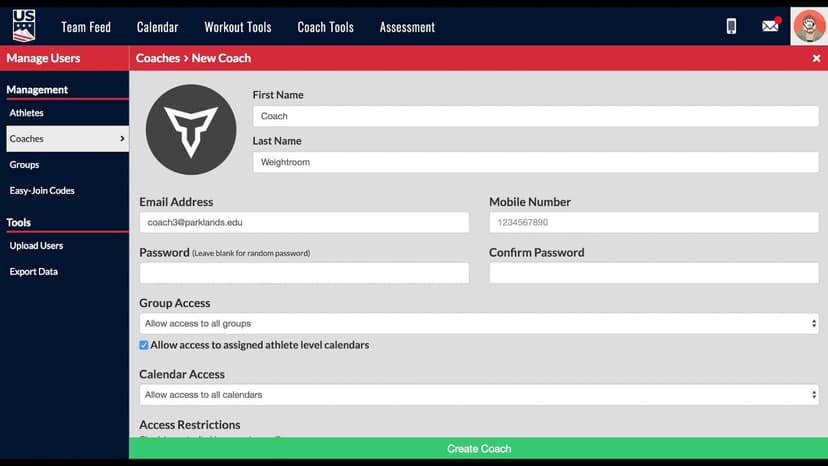
Walkthrough
FreeThe Dummy Coach for Weight Room View
Weight Room View is only accessible through a coach account in TeamBuildr. However, coaches do not want athletes logging through a real coach account for obvious reasons. The correct way is to create a dummy coach in …
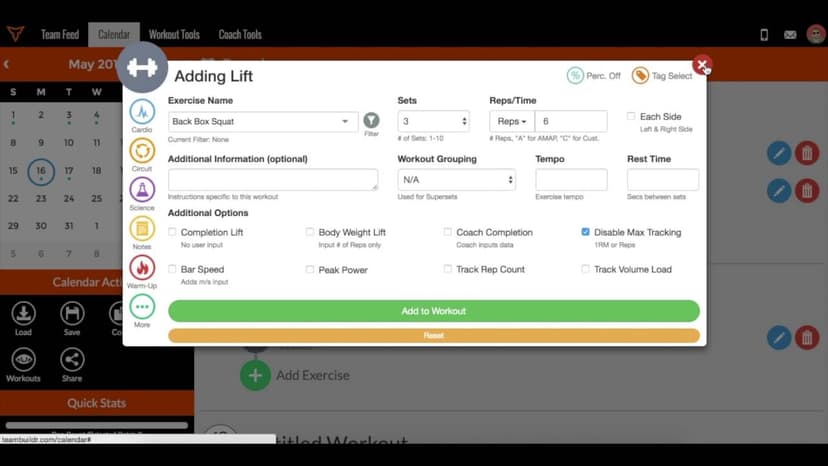
Walkthrough
FreeThe TeamBuildr 1RM Formula - Explained
A short video walkthrough of the TeamBuildr 1RM Formula - Explained from the TeamBuildr knowledge base.

Walkthrough
FreeGuide to the Team Feed
All Posts does not include PR's as they may crowd the Team Feed. You can filter by PR types. Popular posts are based on number of Fits Bumps! The following activities will now deliver a notification to a coach or athl…
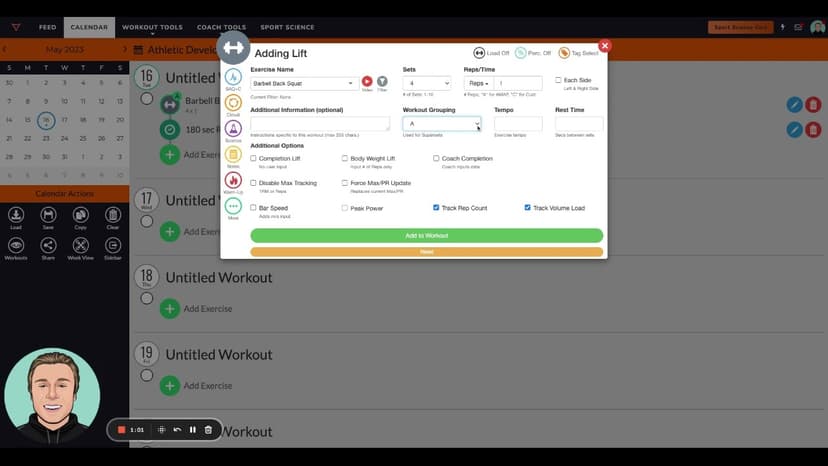
Walkthrough
FreeThis is How You Program Cluster Sets
A short video walkthrough of this is How You Program Cluster Sets from the TeamBuildr knowledge base.
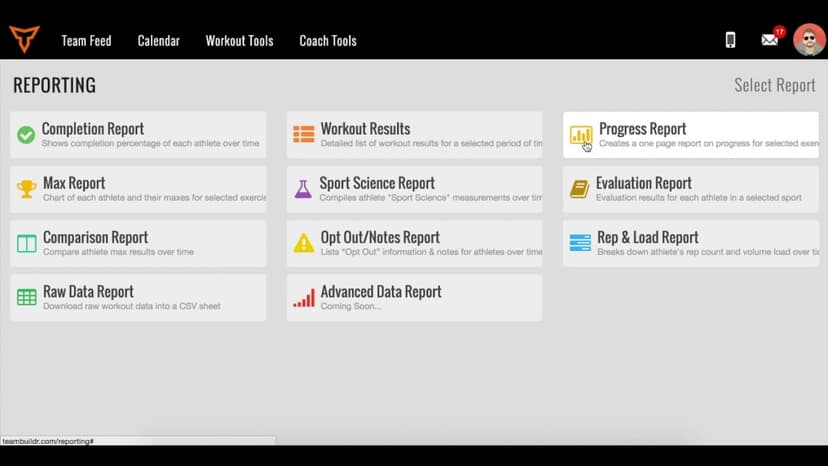
Walkthrough
FreeTracking Your Athletes' Body Weight in TeamBuildr
A short video walkthrough of tracking Your Athletes' Body Weight in TeamBuildr from the TeamBuildr knowledge base.
Walkthrough
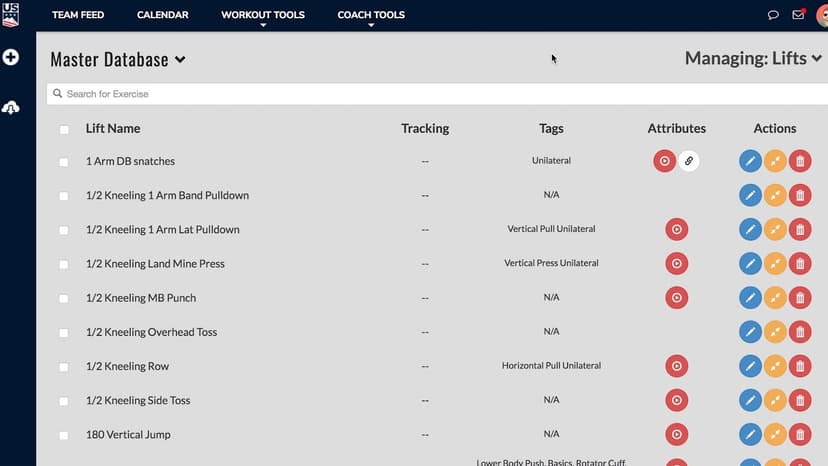
FreeTraining Multiple Organizations with Account Switching
Training multiple organizations with TeamBuildr can be done with "Account Switching." Account Switching allows an coach to seamlessly manage multiple accounts. An example might be a training facility franchise or ente…
Walkthrough
FreeTV Mode (New Build)
A short video walkthrough of tV Mode (New Build) from the TeamBuildr knowledge base.

Walkthrough
FreeUltimate Guide to Copy and Pasting (New Build)
A short video walkthrough of ultimate Guide to Copy and Pasting (New Build) from the TeamBuildr knowledge base.
Walkthrough
FreeUltimate Guide to Copying in Build
Every way to copy in Build: a day to another date or calendar, a day repeated across a date range, a whole week, or a few selected exercises, plus the Cmd/Ctrl+C shortcut. Four minutes.
Walkthrough
FreeUltimate Guide to Copying (New Build)
A short video walkthrough of ultimate Guide to Copying (New Build) from the TeamBuildr knowledge base.

Walkthrough
FreeUltimate Guide to Copying Workouts on the Calendar
A short video walkthrough of ultimate Guide to Copying Workouts on the Calendar from the TeamBuildr knowledge base.
Walkthrough
FreeUnderstanding the Offset Date
A short video walkthrough of understanding the Offset Date from the TeamBuildr knowledge base.
Walkthrough
FreeUndo Function (New Build)
A short video walkthrough of undo Function (New Build) from the TeamBuildr knowledge base.

Walkthrough
FreeUnlocking Workouts via Questionnaires
A short video walkthrough of unlocking Workouts via Questionnaires from the TeamBuildr knowledge base.
Walkthrough
FreeUpdate Future Occurrences in Build (New Build)
A short video walkthrough of update Future Occurrences in Build (New Build) from the TeamBuildr knowledge base.
Walkthrough
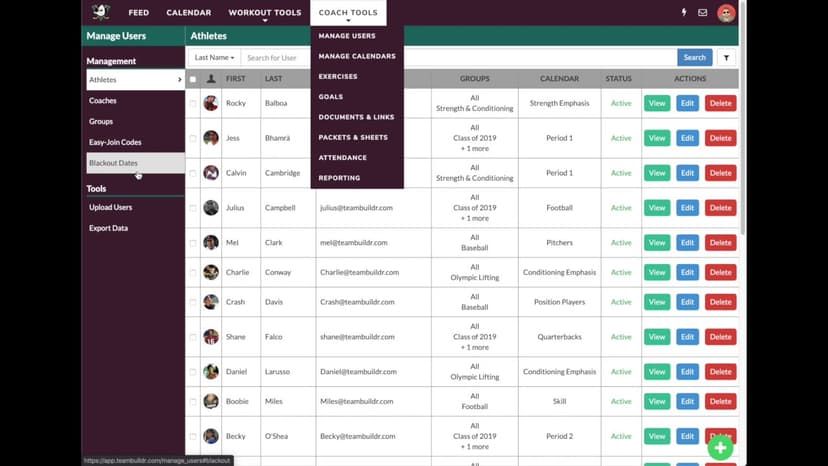
FreeUsing "Blackout Dates" -- NCAA Compliance
A short video walkthrough of using "Blackout Dates" -- NCAA Compliance from the TeamBuildr knowledge base.

Walkthrough
FreeUsing Color-Coded Thresholds with Questionnaires
A short video walkthrough of using Color-Coded Thresholds with Questionnaires from the TeamBuildr knowledge base.