Platform & Admin, page 16
Page 16 of 22.
Walkthrough
FreeRecurring Items in Build (New Build)
A short video walkthrough of recurring Items in Build (New Build) from the TeamBuildr knowledge base.
Walkthrough
FreeRecurring Workout Items
Adding Recurring Items Coaches are able to make any workout item recurring by clicking the "Add Exercise" button on the calendar and then clicking the "Recurring Off" toggle at the top right. This will make a "Recurri…
Walkthrough
FreeReset Reordering (New Build)
A short video walkthrough of reset Reordering (New Build) from the TeamBuildr knowledge base.
Video · 33 min
FreeRetention Isn't A System. It's A Standard.
In this video, former gym owner ,Trent Luecke, and experienced business owner and mentor, Ken Andrukow, sit down and discuss gym member retention. They discuss what member retention truly looks like and how to achieve it beyond the systems you have in place.

Read on the blog · 13 min
FreeRompiendo Barreras en la Educación del Rendimiento Deportivoopens blog.teambuildr.com in a new tab
Descubre cómo los recursos en español y la educación accesible están rompiendo barreras en el rendimiento deportivo, ayudando a entrenadores, terapeutas y estudiantes en América Latina a tener éxito sin limitaciones de idioma o costo.
Walkthrough
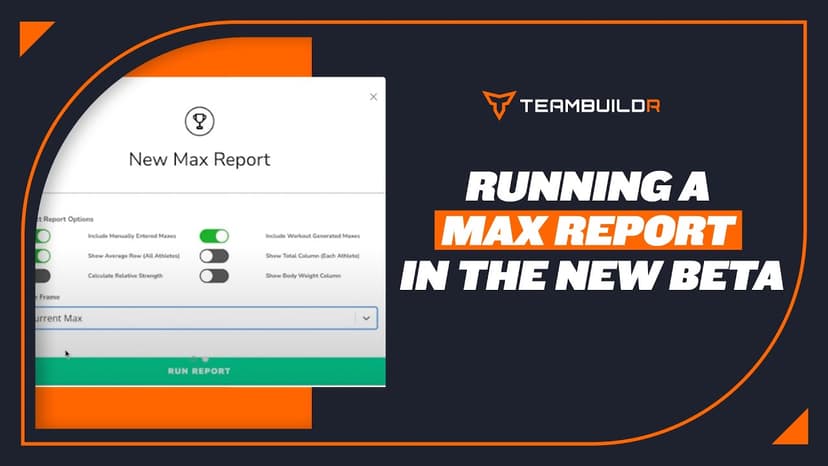
FreeRunning a Max Report in the New Beta System
A short video walkthrough of running a Max Report in the New Beta System from the TeamBuildr knowledge base.
Video · 10 min
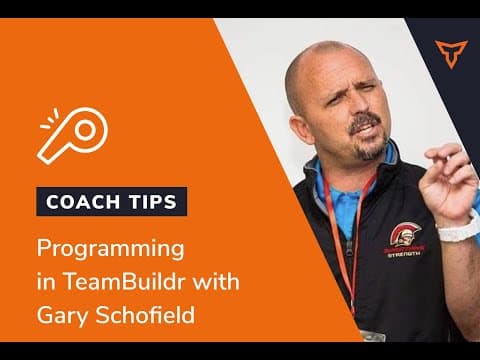
FreeSample Programming Strength Session in TeamBuildr with Gary Schofield
Coach Gary Schofield takes you through a sample training program design in TeamBuildr

Walkthrough
FreeSAQ+C Best Practice: Naming & Tracking
A short video walkthrough of sAQ+C Best Practice: Naming & Tracking from the TeamBuildr knowledge base.
Walkthrough
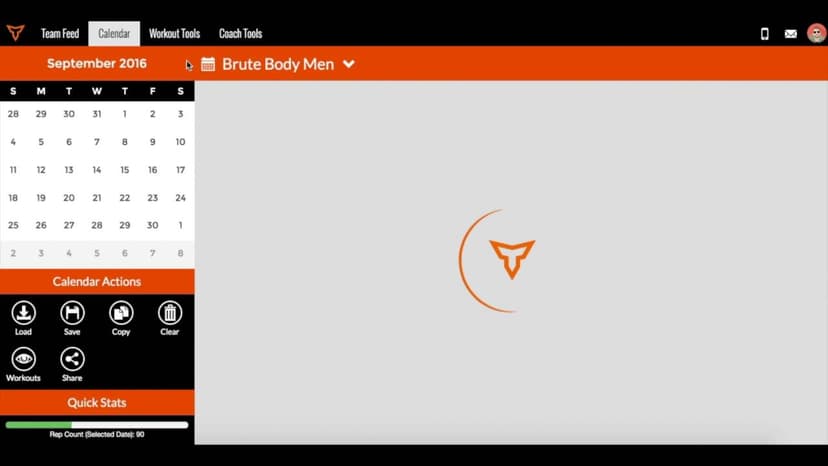
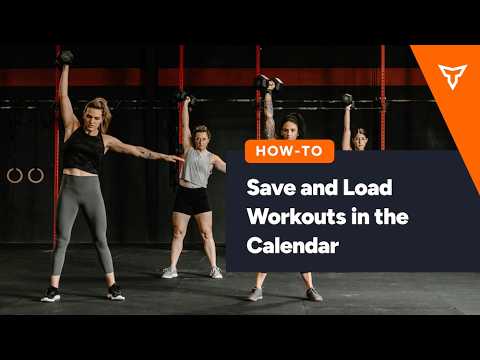
FreeSaving & Loading Workouts in the Calendar
Saving & loading workouts in the Calendar are some of the most efficient things you can do in TeamBuildr to save time as a coach. Instead of building workouts every day, simply save a workout and load it in at any tim…
Walkthrough
FreeSaving & Loading Workouts (New Build)
A short video walkthrough of saving & Loading Workouts (New Build) from the TeamBuildr knowledge base.
Walkthrough
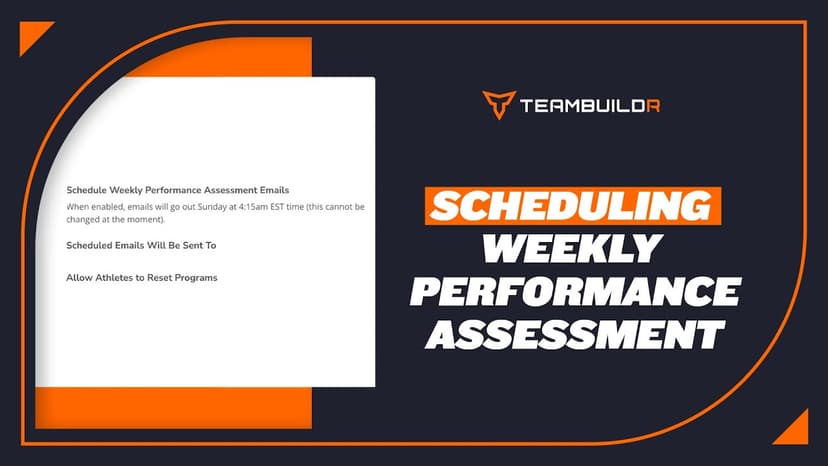
FreeScheduling the Weekly Performance Assessment
A short video walkthrough of scheduling the Weekly Performance Assessment from the TeamBuildr knowledge base.

Walkthrough
FreeSelecting Tracking Type for Exercises
A short video walkthrough of selecting Tracking Type for Exercises from the TeamBuildr knowledge base.
Walkthrough
FreeSelling Training Programs Online with the Payments Portal
Put a program you have already written up for sale, and let TeamBuildr take the payment and onboard the buyer without you touching it. Included in every paid plan, with no TeamBuildr commission. You pay Stripe's processing fee and nothing else.
Walkthrough
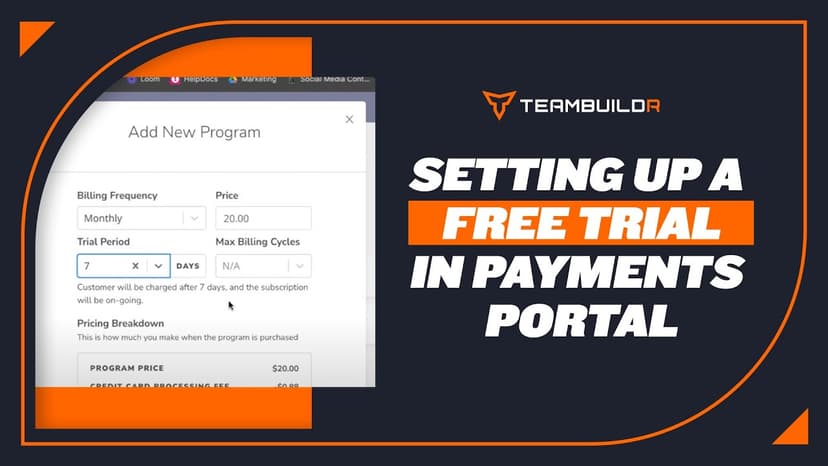
FreeSetting up a Free Trial in Payments Portal
A short video walkthrough of setting up a Free Trial in Payments Portal from the TeamBuildr knowledge base.
Walkthrough
FreeSetting Up a New TeamBuildr Account
The first four things to do in a brand-new account, in the order that actually works: build your calendar structure, get athletes in, learn the Build screen, then add exercises to a day. Start here if you have just been given a login and nothing is set up yet.
Walkthrough
FreeSetting Up the TeamBuildr <> Zapier Integration
A short video walkthrough of setting Up the TeamBuildr <> Zapier Integration from the TeamBuildr knowledge base.
Walkthrough
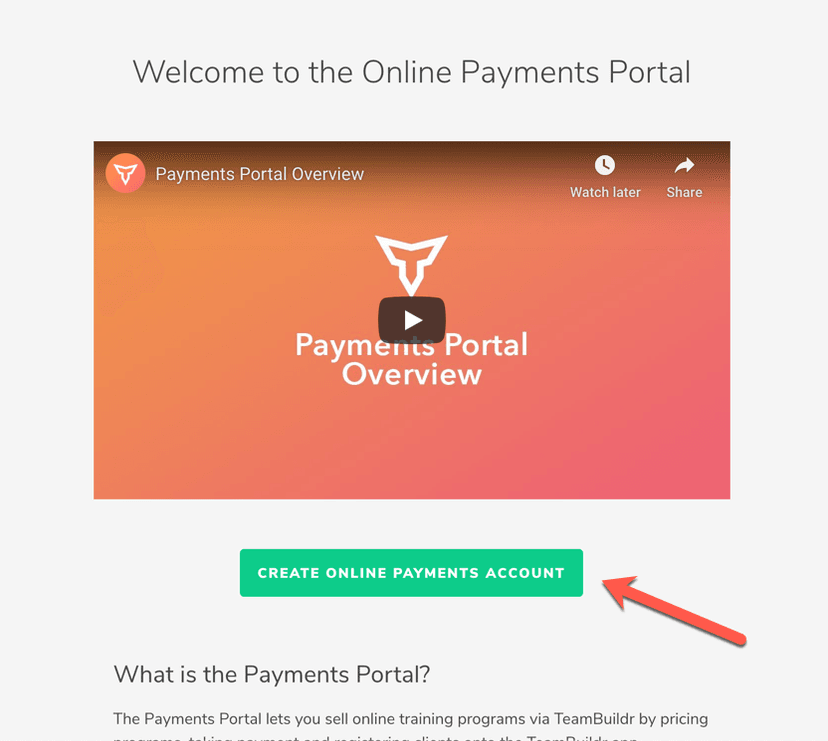
FreeSetting Up Your Online Payments Account
If you have not set up your Online Payments yet, you will see an informational page with an intro video as well as some FAQs about the Online Payments portal. To begin, you will need to click the " Create Reseller Acc…
Walkthrough
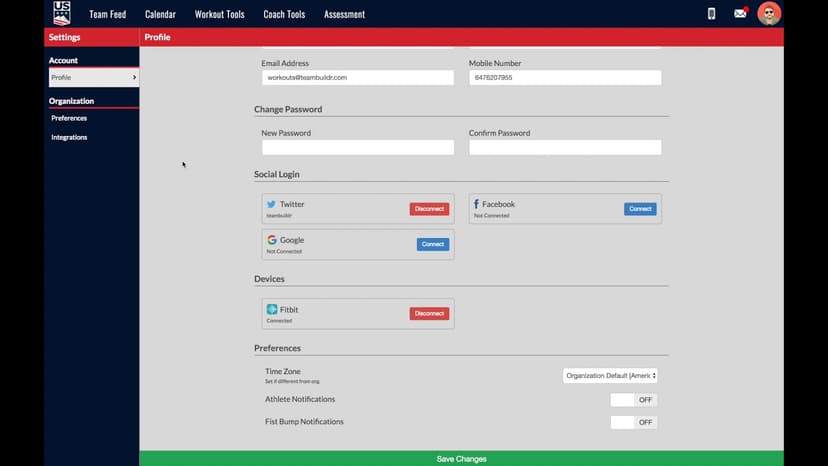
FreeCoach Settings Options
A short video walkthrough of coach Settings Options from the TeamBuildr knowledge base.