Saving & Loading Workouts in the Calendar
Saving & loading workouts in the Calendar are some of the most efficient things you can do in TeamBuildr to save time as a coach. Instead of building workouts every day, simply save a workout and load it in at any tim…
Saving & loading workouts in the Calendar are some of the most efficient things you can do in TeamBuildr to save time as a coach. Instead of building workouts every day, simply save a workout and load it in at any time in the future:
Watch or read
3 minutes across 3 chapters. Click any chapter or timestamp to jump straight there.
3 chapters
all right so today we're going to talk about a very important component of Team Builder which is saving and loading workouts in the calendar um so we're going to bump over to the calendar here and the idea behind this is that we do not want coaches to have to build uh a workout from the ground up every single time if they don't have to some coaches prefer to do that and that's totally fine but if you have a template of a workout or if you have say workouts periodized that you want to use over again uh then you can always reuse them by using the save and load so in this example I'm going to bump down to a
calendar called Brute body because it's all built out and let's say that we have this month here starts at June 1st it ends at June 30th and this is a 4-week workout that we want to save because we want to use it later on in time well we can do that we basically just have to click on where it begins which is June 1st here and then we can go ahead and click save and we can save a single date which in this that case both uh dates would be the same or we could save a date range which is what we're going to do today and there's no limit how far you can save so in this case we're just going to go to June 30th uh which is
Still stuck? Contact support →
Read next
Also in Platform & Admin

Walkthrough
FreeSaving & Loading Workouts (New Build)
A short video walkthrough of saving & Loading Workouts (New Build) from the TeamBuildr knowledge base.
More in The Calendar

Walkthrough
FreeUltimate Guide to Copying Workouts on the Calendar
A short video walkthrough of ultimate Guide to Copying Workouts on the Calendar from the TeamBuildr knowledge base.
Walkthrough
FreeOffline Mode on Mobile Explained
Offline Mode puts your app into an offline state so it doesn't try to make updates, upload data or pull data while you train. Basically, if you have poor signal and it's taking a while to respond / save workouts, this…
Read on the blog · 15 min
FreeLow Back Pain: A Strength Coach’s Guide to Building Capacity, Not Fearopens blog.teambuildr.com in a new tab
Working with athletes who have back pain. How to build capacity instead of avoiding load, and how the language you use changes what they believe they can do.
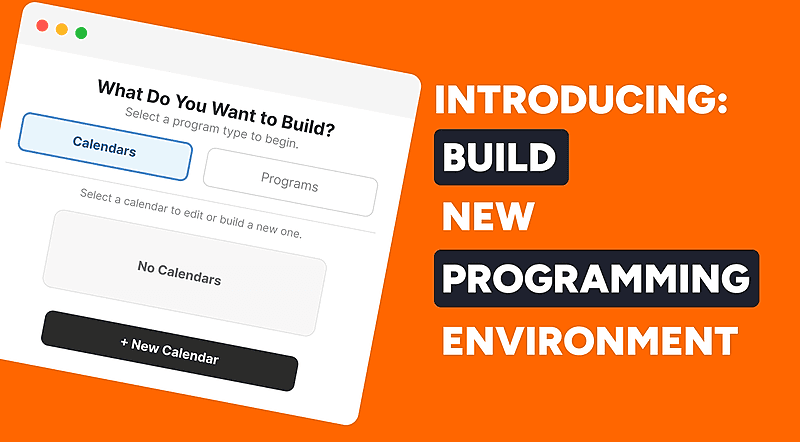
4 chapters · 11 lessons
Free · sign upBuild - Your New Programming Environment
Learn how to use TeamBuildr's Build programming environment from start to finish. This course covers navigating the interface, creating and filtering workouts, using copy and multi-select tools, and saving, editing, and sharing workout programs with your athletes.
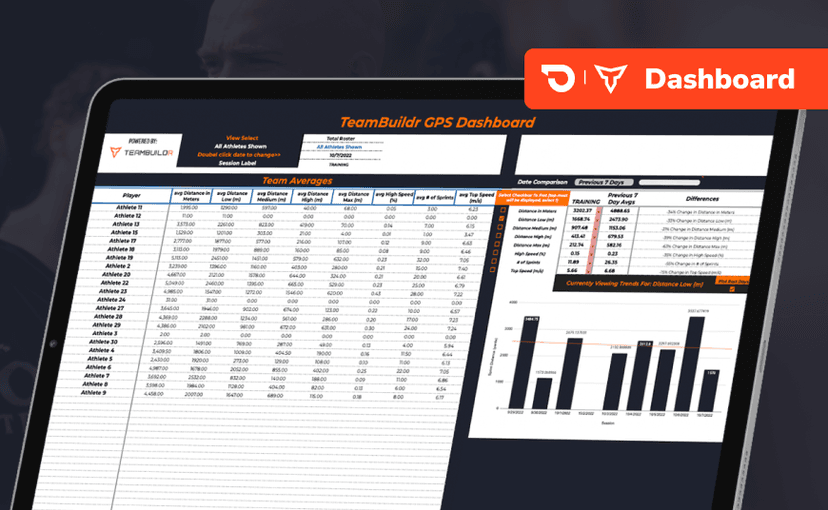
Spreadsheet · 2 walkthroughs
Free · sign upGPS Dashboard
Turn raw GPS exports into something you can actually read. Copy the template, follow the two setup videos, and you get a running view of load and distance per athlete. Built for coaches new to GPS or drowning in the files it produces.
- Format
- Walkthrough
- Length
- 1 min read
- Brand

- Category
- The Calendar
- Topics
- Platform & Admin