How to Add Sports Science Questions in the Calendar
A short video walkthrough of how to Add Sports Science Questions in the Calendar from the TeamBuildr knowledge base.
Watch or read
5 minutes across 3 chapters. Click any chapter or timestamp to jump straight there.
3 chapters
Today we're going to look at how to add a sports science question and questionnaire to our calendar. We recently unlocked a new feature and you can now ask multiple choice and yes or no questions. So, first thing we're going to do is head over to our calendar and show you how to build that out. Once inside of our calendar, we're going to hit that add exercise button. From there, we want to make sure our sports science icon is selected. It's important to note that in order to build a questionnaire, we need to have questions already created. So, for our recovery questionnaire today, we're going to start by adding a new question.
And the first question we're going to ask is, "Did you spend time recovering after yesterday's training?" I'm going to make this input yes or no. So, for my abbreviation up here, I'm going to put recovery yes no. This abbreviation is important because the report can't pull this entire question. So, this abbreviation allows us to know what that data is correlating to. From there, I'm going to add my
question and then build my next one. How long did you spend recovering? So, for this, I'm looking for the amount of time they spent. So, I'm going to put recovery time in my abbreviation and I'm going to leave this as the range slider. From there, I want to take a look at anything between 0 and 60 minutes. And in this box right here, I'm going to include a description to better help my athlete understand what kind of answer I'm looking for. So, for this, one equals one minute and so on.
Still stuck? Contact support →
Read next
More in The Calendar

Walkthrough
FreeAdvanced Programming on the Calendar
A short video walkthrough of advanced Programming on the Calendar from the TeamBuildr knowledge base.
Also in Platform & Admin
Walkthrough
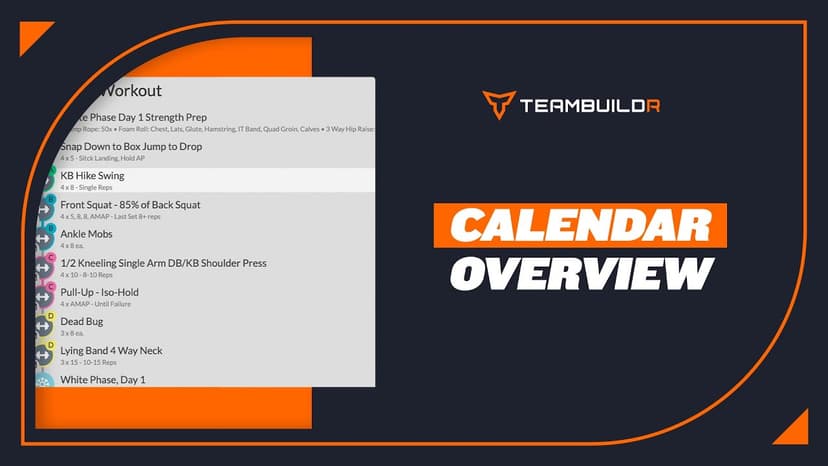
FreeCalendar Overview
A short video walkthrough of calendar Overview from the TeamBuildr knowledge base.
Walkthrough
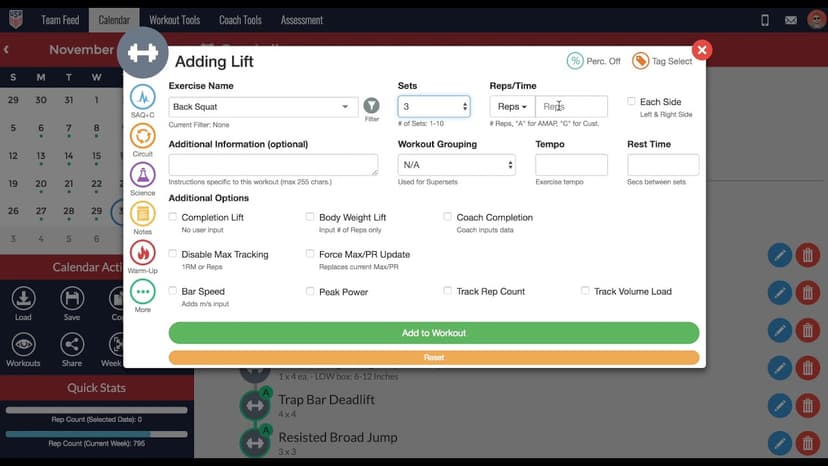
FreeHow to Add a Lift in the TeamBuildr Calendar
A short video walkthrough of how to Add a Lift in the TeamBuildr Calendar from the TeamBuildr knowledge base.
PDF · 33 min
FreeEpisode #33: Getting The Most Out of Internship Experiences with Jeff Davidson & Brian Szutkowski
Two former interns, Jeff Davidson and Brian Szutkowski, on what their college internships were really like from the intern's side. What earned them more responsibility, the questions they wish they had asked sooner, and why the people you intern with matter for your next job.

4 chapters · 19 lessons
$200.00TeamBuildr Sport Science Certification
Sport Science Certification for Strength Coaches who are looking to make the most of their data through dashboards.

Spreadsheet · 2 walkthroughs
Free · sign upAdvanced Attendance Report
Attendance tracking for PE and weights classes that goes past a headcount. Copy the template and it totals participation per student over any window, ready to drop into a grade or a report to an administrator.
- Format
- Walkthrough
- Brand

- Category
- The Calendar
- Topics
- Platform & Admin