Saving & Loading Workouts (New Build)
A short video walkthrough of saving & Loading Workouts (New Build) from the TeamBuildr knowledge base.
Watch or read
3 minutes across 4 chapters. Click any chapter or timestamp to jump straight there.
4 chapters
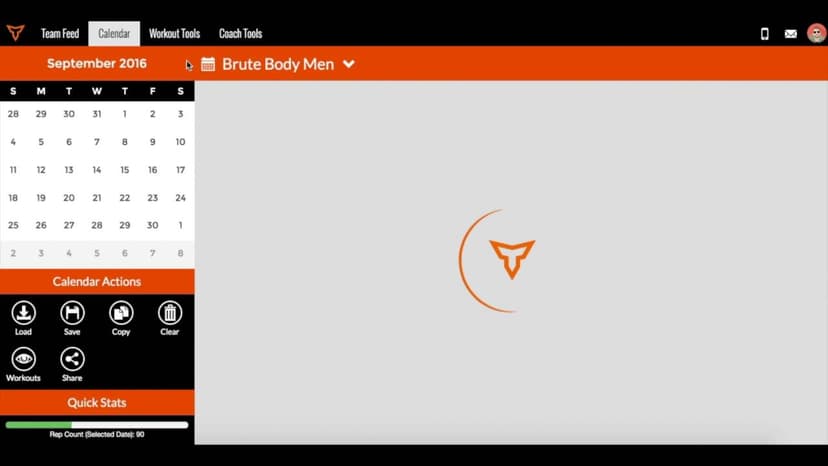
In this video, I'm going to show you how to go about saving and loading workouts into a calendar. This is a great feature to use when you've created a workout or a program that you really and would to use for future occurrences. The first step is going to be selecting the calendar that you would to save workouts in, and in this case I'm going to select my baseball calendar. The next step is clicking on these three dots at the top right-hand corner and selecting the save option. From here, I'm going to want to save the date range of workouts, so in this case it's going to be February 2nd, and February 28th is my end date.
Still stuck? Contact support →
Read next
Also in Platform & Admin
Walkthrough
FreeSaving & Loading Workouts in the Calendar
Saving & loading workouts in the Calendar are some of the most efficient things you can do in TeamBuildr to save time as a coach. Instead of building workouts every day, simply save a workout and load it in at any tim…
More in BUILD

Walkthrough
FreeHow to Share Workouts (New Build)
A short video walkthrough of how to Share Workouts (New Build) from the TeamBuildr knowledge base.
4 chapters · 11 lessons
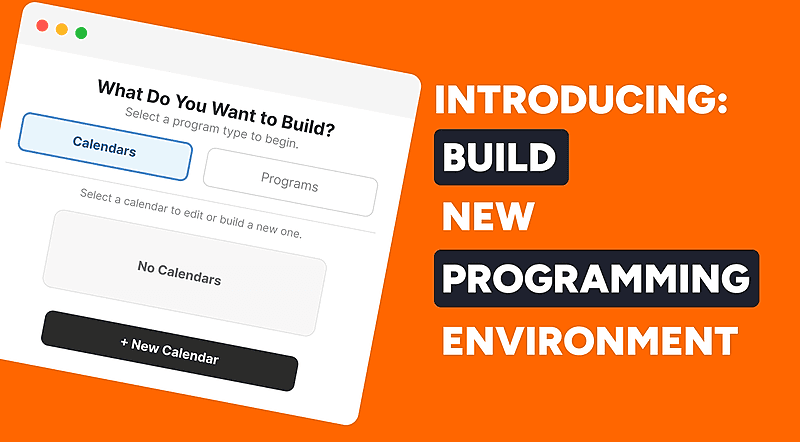
Free · sign upBuild - Your New Programming Environment
Learn how to use TeamBuildr's Build programming environment from start to finish. This course covers navigating the interface, creating and filtering workouts, using copy and multi-select tools, and saving, editing, and sharing workout programs with your athletes.
Walkthrough
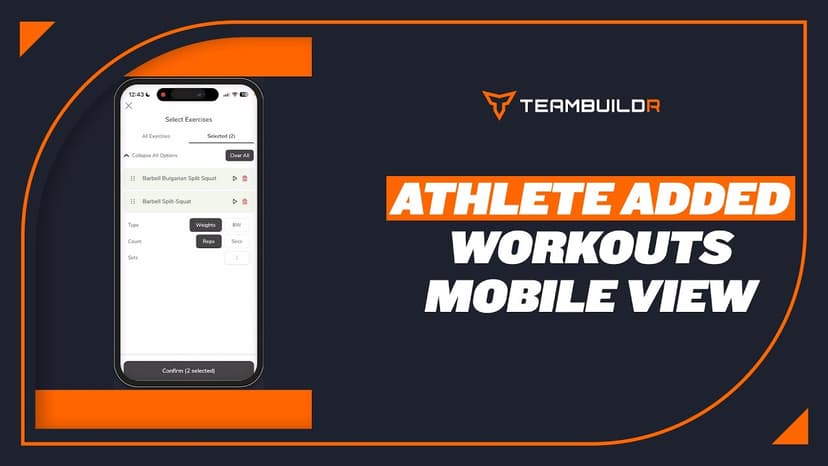
FreeAthlete Added Workouts - Mobile App View
A short video walkthrough of athlete Added Workouts - Mobile App View from the TeamBuildr knowledge base.

Spreadsheet · 2 walkthroughs
Free · sign upAdvanced Attendance Report
Attendance tracking for PE and weights classes that goes past a headcount. Copy the template and it totals participation per student over any window, ready to drop into a grade or a report to an administrator.

Spreadsheet · 2 walkthroughs
Free · sign upAthlete Wellness & Body Report
Track daily wellness check-ins and body composition in one sheet. Copy the template and follow the walkthrough to connect your athlete responses, then use the report to spot who is trending the wrong way before it costs you a session.
- Format
- Walkthrough
- Brand

- Category
- BUILD
- Topics
- Platform & Admin