The Calendar, page 2
Page 2 of 2.
Walkthrough
FreeRecurring Workout Items
Adding Recurring Items Coaches are able to make any workout item recurring by clicking the "Add Exercise" button on the calendar and then clicking the "Recurring Off" toggle at the top right. This will make a "Recurri…
Walkthrough
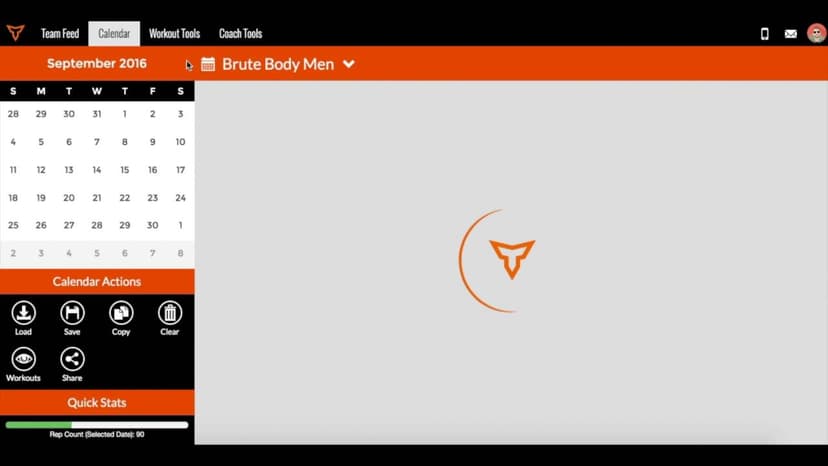
FreeSaving & Loading Workouts in the Calendar
Saving & loading workouts in the Calendar are some of the most efficient things you can do in TeamBuildr to save time as a coach. Instead of building workouts every day, simply save a workout and load it in at any tim…
Walkthrough
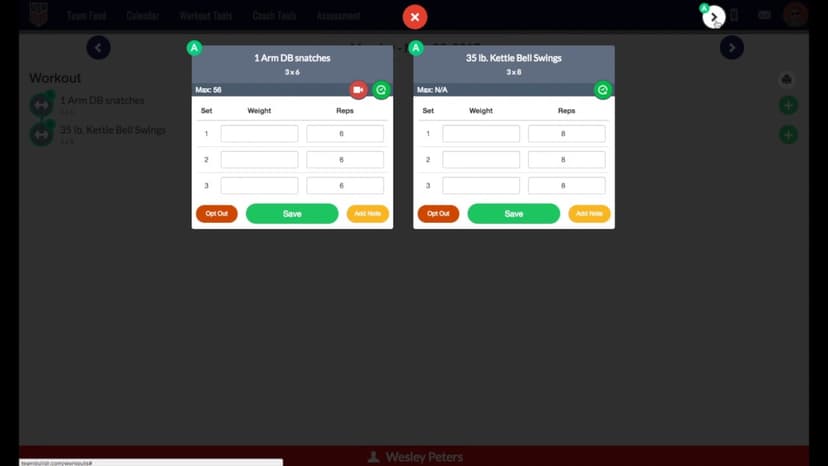
FreeSupersets vs. Circuits
A short video walkthrough of supersets vs. Circuits from the TeamBuildr knowledge base.
Walkthrough
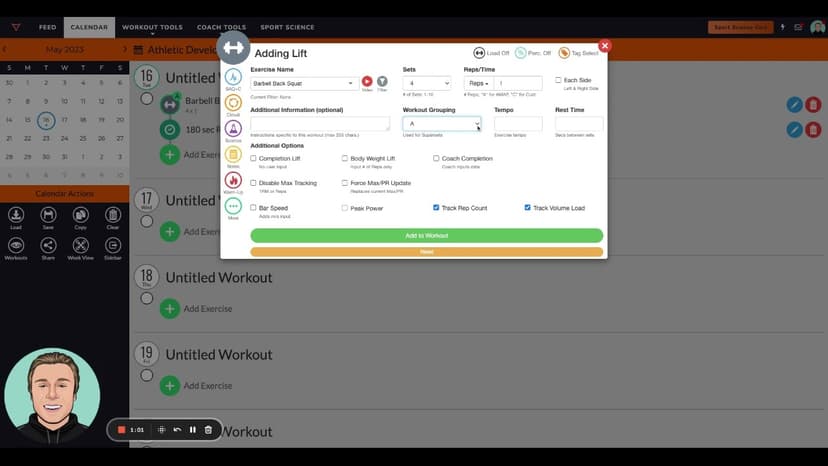
FreeThis is How You Program Cluster Sets
A short video walkthrough of this is How You Program Cluster Sets from the TeamBuildr knowledge base.
Walkthrough
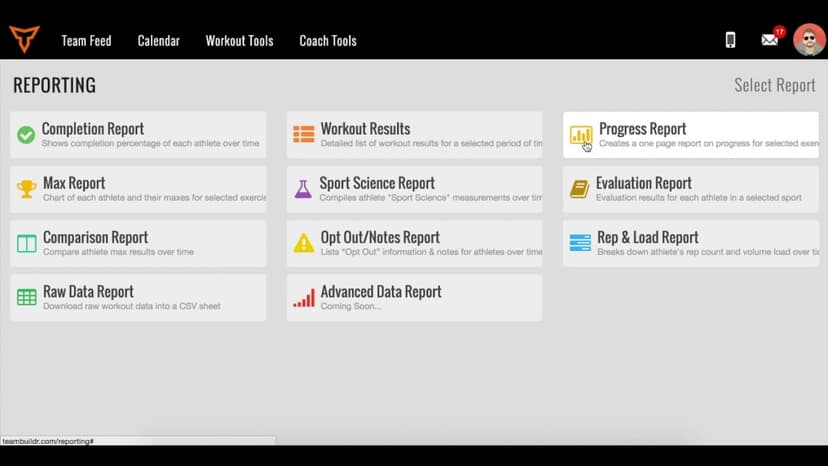
FreeTracking Your Athletes' Body Weight in TeamBuildr
A short video walkthrough of tracking Your Athletes' Body Weight in TeamBuildr from the TeamBuildr knowledge base.

Walkthrough
FreeUltimate Guide to Copying Workouts on the Calendar
A short video walkthrough of ultimate Guide to Copying Workouts on the Calendar from the TeamBuildr knowledge base.

Walkthrough
FreeUnlocking Workouts via Questionnaires
A short video walkthrough of unlocking Workouts via Questionnaires from the TeamBuildr knowledge base.

Walkthrough
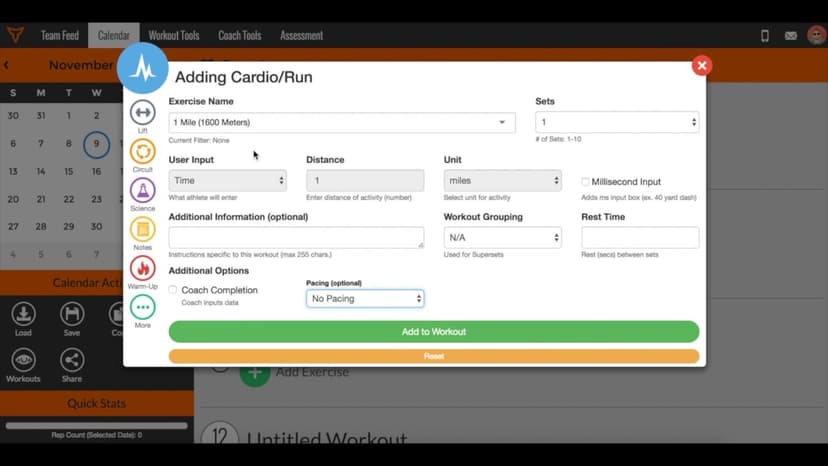
FreeWhat is Pacing?
Pacing is only available in Platinum accounts. When selecting the pace on the Calendar page, here are the pace adjustment percentages associated with the options: RUN PACING (based on 1 Mile PR) Adjustment (%) Pace Na…
Walkthrough
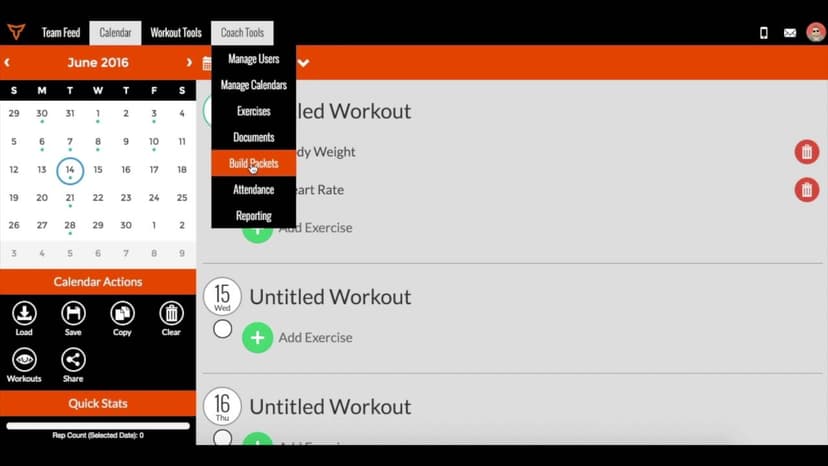
FreeWhat is TeamBuildr Health?
A short video walkthrough of what is TeamBuildr Health? from the TeamBuildr knowledge base.